Beyond Subscriptions: The Hidden Cost of AI Coding Assistants in 2026
A cost-intent breakdown for developers and teams: subscriptions, latency tax, data risk, and why local execution can be the best value AI IDE.
Awareness · 8 min
Beyond Subscriptions
A cost-intent breakdown for developers and teams: subscriptions, latency tax, data risk, and why local execution can be the best value AI IDE.
Definition
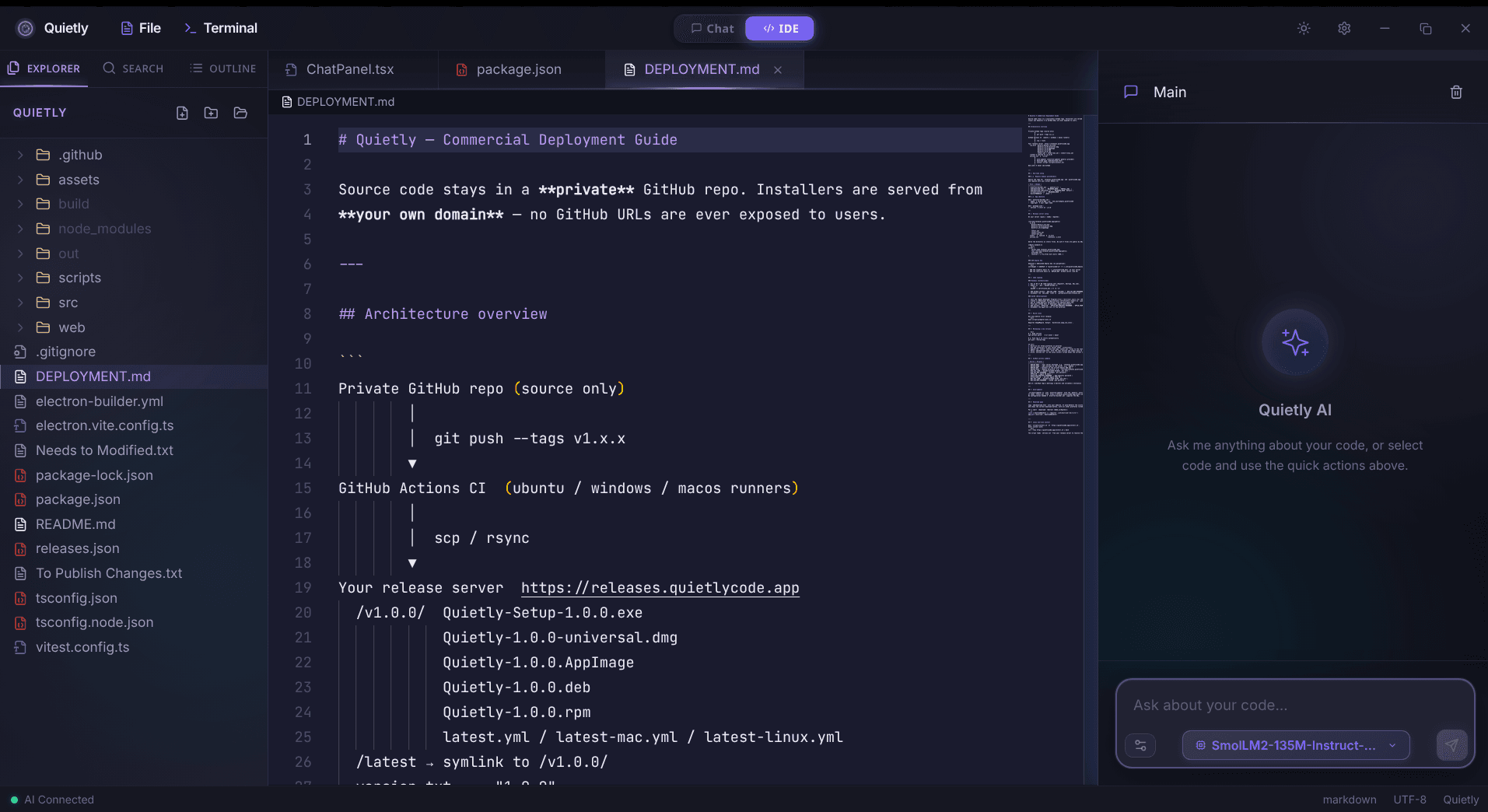
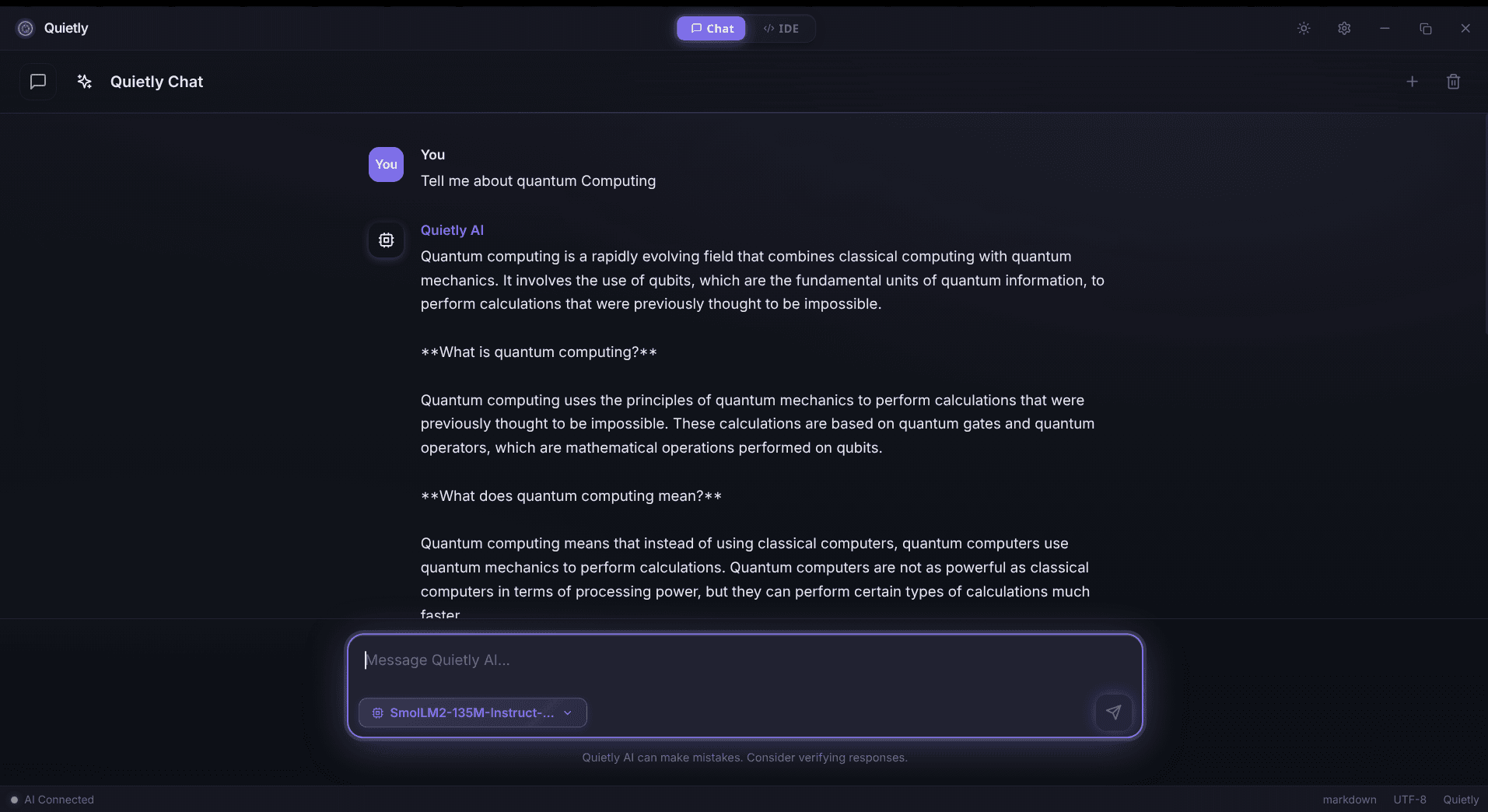
Local AI Coding means your AI assistant runs on your own hardware, turning AI help into a predictable compute cost instead of a recurring per-seat cloud subscription.
If you only compare monthly price tags, it looks simple: pay (X)/month, get AI. But in 2026, the real cost of cloud coding assistants isn’t just the invoice.
This post breaks down what teams quietly pay for: latency, workflow interruptions, privacy overhead, and “policy friction” — and why local execution often wins on value.
A calmer workflow is a cheaper workflow
The 5 cost buckets most people ignore
- Subscription fees (per-seat, per-feature, and “enterprise” uplift).
- Latency tax (context switching while waiting for suggestions/responses).
- Privacy overhead (redaction, vendor reviews, DLP exceptions, legal).
- Outages + rate limits (work pauses at the worst time).
- Vendor lock-in (workflow and config drift that’s painful to unwind).
note
Cost intent reality
When someone searches “best value AI IDE” they’re often asking: “What costs the least per useful output over a year?” not “What’s the cheapest monthly plan?”
A simple way to estimate your real yearly cost
You can model the total cost as: subscription + wasted time + risk overhead. Even small latency adds up when multiplied by dozens of interrupts per day.
note
A simple cost formula (no code)
Yearly cost ≈ (seats × monthly fee × 12) + (seats × workdays × interrupts/day × wait seconds ÷ 3600 × hourly rate). If you plug in realistic numbers, the latency tax often rivals (or exceeds) the subscription line item.
Local LLM vs cloud pricing: what changes
Local flips your economics: you pay once for hardware (or repurpose existing dev machines), then your marginal cost per suggestion is near-zero. Your ‘bill’ becomes: RAM/VRAM, electricity, and occasional model updates.
- Budget line items (local): optional hardware upgrade, electricity, model/runtime updates (occasional).
- Budget line items (cloud): monthly per-seat fees, usage caps/overages, vendor reviews, compliance overhead.
- Operational difference: local failures are “your machine”; cloud failures are “their outage / rate limit.”
tip
The best value is predictable value
CFO-friendly AI isn’t just cheaper — it’s the one that doesn’t surprise you later with policy constraints, seat creep, or usage caps.
If you go local: what to optimize for
- Latency: pick a model size that stays responsive on your real machine.
- RAM headroom: avoid swapping; it destroys “flow”.
- Privacy defaults: no telemetry, no background uploads, no “smart” cloud fallbacks.
- Ergonomics: the assistant must be integrated into how you code (not a separate chore).
tip
Memory sanity check (no commands)
If you see frequent swapping, stutters, or fans spike during completions, your model is too large for your RAM/VRAM headroom. Downsize the model or increase memory—responsiveness beats raw model size for daily coding.
FAQ
Is there a truly free AI coding assistant in 2026?
Some tools have free tiers, but the real cost can shift into rate limits, reduced context, data constraints, or indirect time cost. Local execution can be ‘free’ in the sense of zero recurring fees once you have hardware.
How does local LLM cost compare to Copilot pricing?
Cloud pricing is typically recurring per-seat. Local cost is mostly hardware and setup, then very low marginal cost per use — which can be better value at steady usage.
What’s the hidden cost most teams underestimate?
Latency and workflow interruption. Seconds add up when multiplied by dozens of AI interactions per developer per day.
Does local AI sacrifice quality?
It depends on model choice and workflow. Many teams prefer slightly smaller models that are fast and consistent, especially when privacy and predictability matter.